Track Your Entire Net Worth 100% Offline & Sovereign.
A private, lightning-fast multi-currency wealth dashboard for Windows, Linux, macOS & Android. Local SQLite encrypted storage, real-time FX valuation, and zero monthly subscriptions.
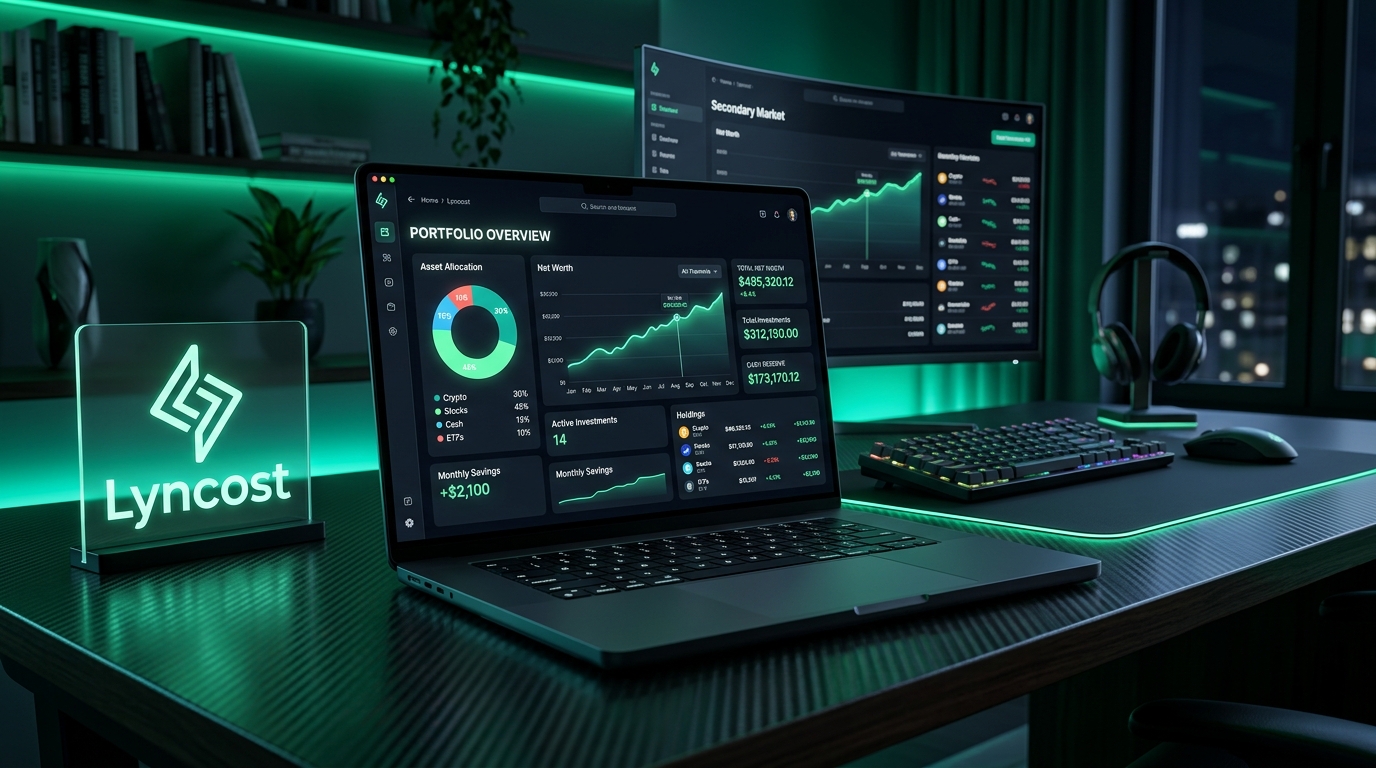
Core Architecture
Designed for Sovereign Wealth Privacy.
Most personal finance apps sell your data or lock balances behind subscriptions. Lyncost runs strictly locally.
100% Offline Vault
Your financial data is stored locally in an encrypted SQLite database on your machine. Zero cloud storage, zero tracking, zero data collection.
Multi-Currency Real-time FX
Track bank accounts, investments, crypto, cash, and real estate in INR, USD, EUR, GBP, AED, SGD, and 30+ global currencies simultaneously.
Net Worth & Asset Analytics
Interactive allocation charts, liquid net worth calculations, historical wealth trajectories, and category drill-downs built with high-performance charts.
Lightning Fast Tauri Engine
Built with Rust and modern Web technologies. Uses less than 40MB of RAM, launches in under 200 milliseconds, and never drains your battery.
Portable Encrypted Backups
Export and restore your entire financial ledger anytime with one click. Passphrase-protected backups keep you in complete sovereign control.
Zero Subscriptions
Say goodbye to recurring $15/month subscriptions. Pay once for a lifetime license with free updates and complete ownership.
Live App Preview
Real Software. Engineered for Clarity.
Tap each tab to explore the real running Lyncost desktop interface in action:
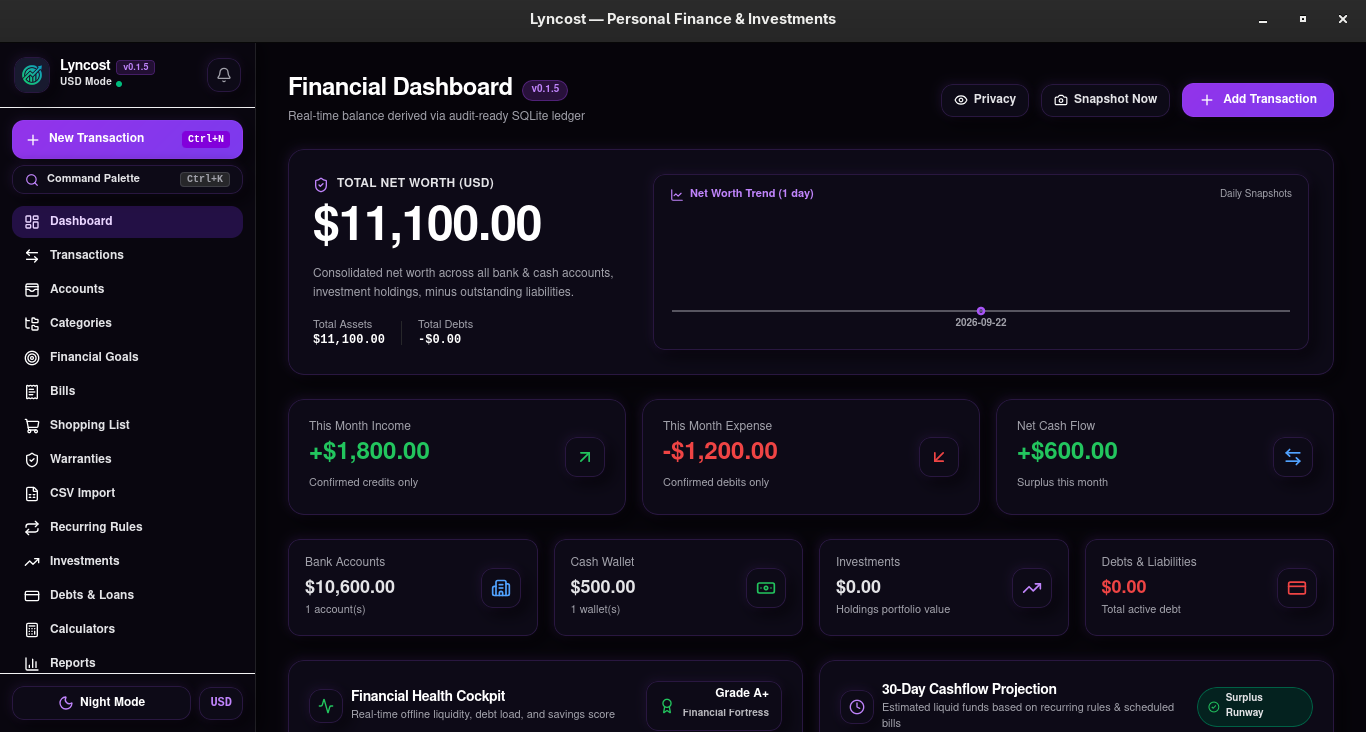
Real-time Net Worth & Liquid Dashboard
Liquid wealth overview, recent double-entry transaction feed, and interactive asset category breakdowns at a single glance.
Under the Hood: Engine & Security Blueprint
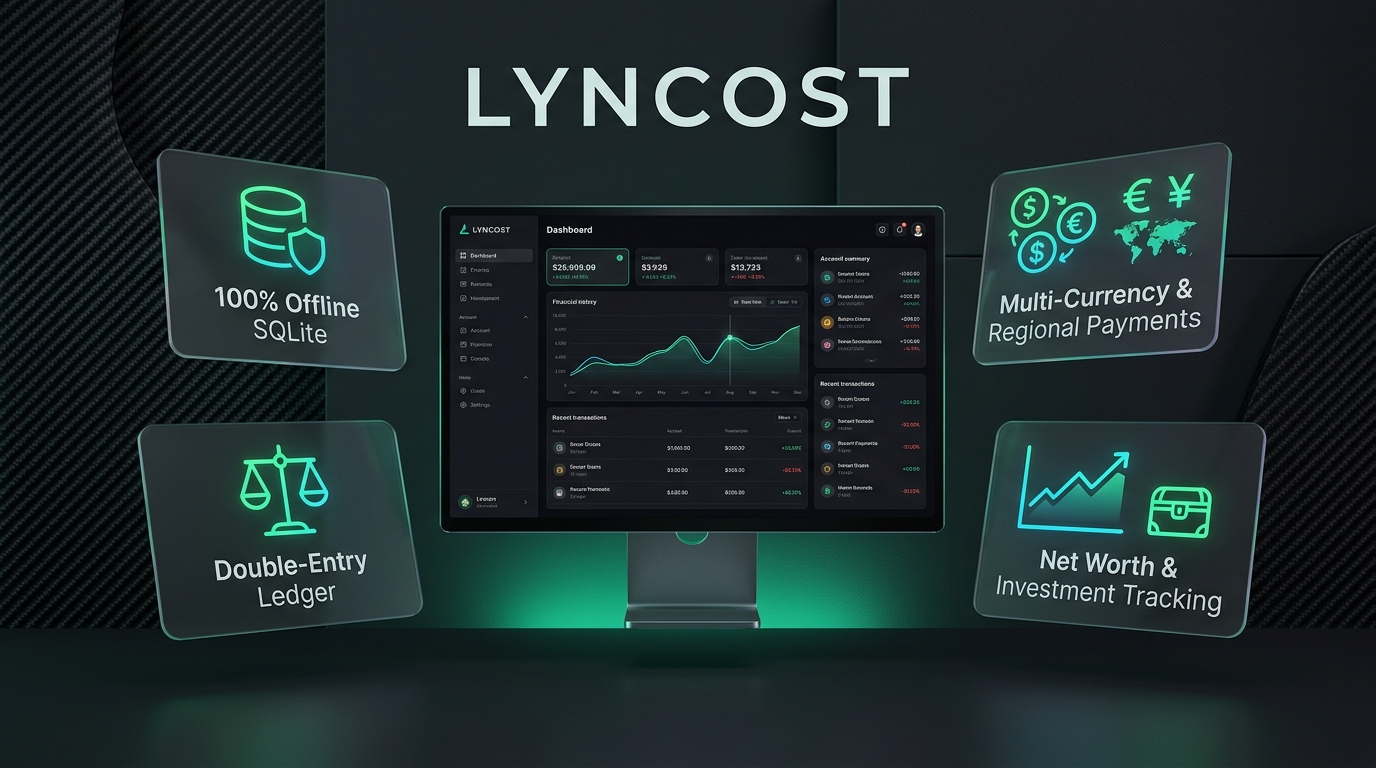
Engineered for Performance
Tauri v2 + Rust backend with ultra-low memory footprint under 40MB RAM.
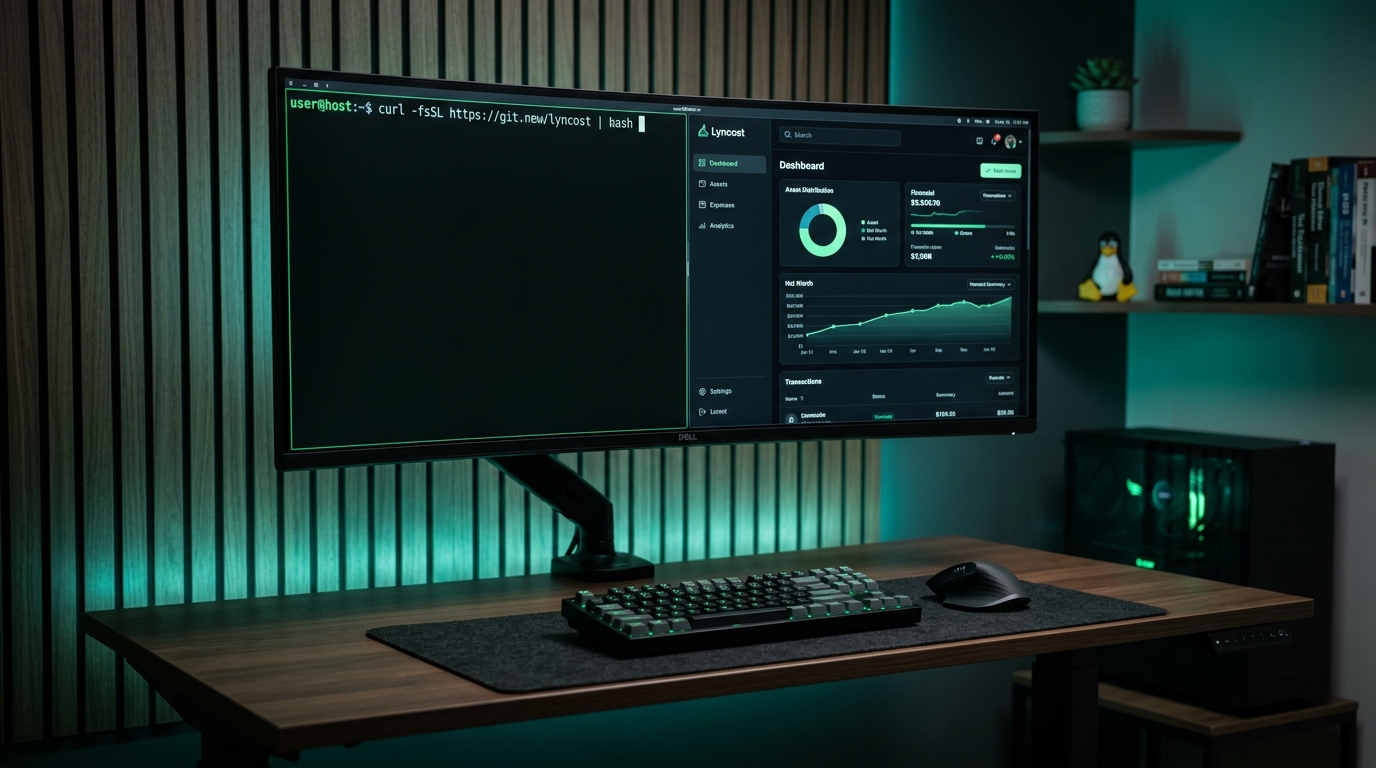
Offline Security Architecture
Zero cloud telemetry, zero remote tracking, and strictly local database storage.
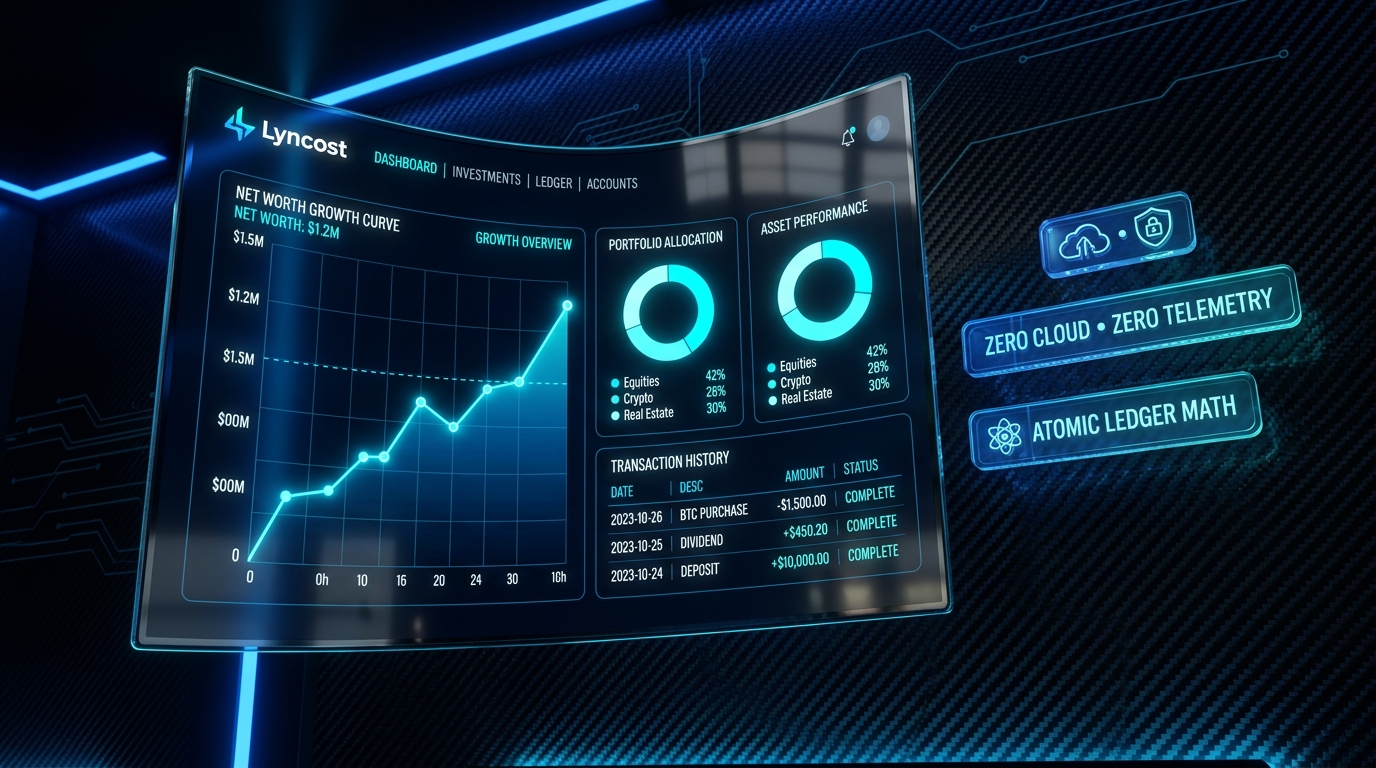
Sovereign Wealth Clarity
High-contrast desktop interface optimized for quick daily financial reviews.
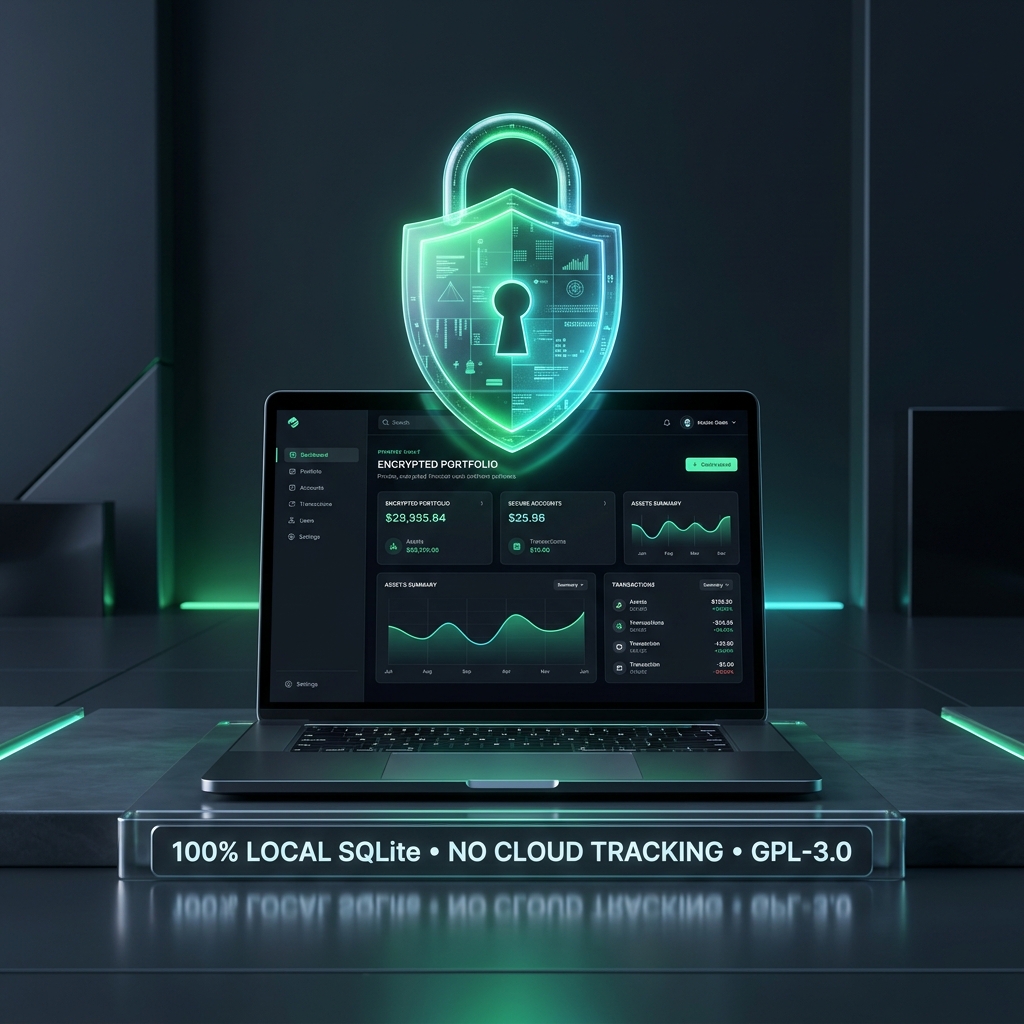
Encrypted Vault Backups
One-click portable backup import/export between Linux, Windows, and Android.
Platform Availability
Simple, Transparent Ownership.
One-time purchase for Windows. Free & open for Linux.
Windows Edition
Single-device lifetime perpetual license.
- Instant License Key display
- Installer delivered on payment
- UPI, GPay, Cards & Netbanking
- 100% offline local SQLite storage
Linux Edition
Free for personal use. Debian, Ubuntu, Arch, Fedora.
- One-line terminal curl installer
- x86_64 portable tarball binary
- Native Wayland & X11 acceleration
- Zero sudo required (user-level)
macOS Edition
Universal binary for Apple Silicon & Intel Macs.
- M1, M2, M3, M4 & Intel universal .dmg
- Native macOS Cocoa & WebKit engine
- Homebrew Cask automated install
- 100% offline local SQLite vault
Android Edition
Sovereign offline tracker for Android phones.
- Standalone APK & F-Droid release
- 100% offline local SQLite storage
- Biometric lock & stealth privacy view
- Encrypted desktop sync/import/export
Install on Linux in One Terminal Line
100% Free & Source-Available for Arch Linux, Ubuntu, Debian, Fedora, Mint & generic x86_64.
Run in your terminal:
curl -fsSL https://lyncost.vercel.app/install.sh | bash~/.local/bin/.~/.local/share/icons/.lyncost.desktop into system app menu.curl -fsSL https://lyncost.vercel.app/uninstall.sh | bashHow Windows Installation & Activation Works
Windows licenses are delivered securely upon completion of purchase.
Purchase Lifetime License
Click Buy Windows Key (₹799) above. Immediately upon payment completion, your perpetual license key and installer download links are unlocked on your screen.
Run Setup & SmartScreen
Launch the downloaded installer. If Microsoft Defender SmartScreen appears, simply click "More info" and then "Run anyway".
Enter Your License Key
On first launch, paste your unique key (LYNC-XXXX-XXXX-XXXX). The app activates permanently with full offline access.
Local Vault Storage
Your database is stored 100% locally at %APPDATA%\com.lyncost.desktop. No cloud servers ever touch your transactions.
Sponsor Lyncost Open Source
Lyncost is developed independently with zero venture capital, zero cloud telemetry, and zero ads. If you value sovereign financial privacy, support our development with any amount you like!
Select or Enter Any Amount (INR)
Supports UPI (Google Pay, PhonePe, Paytm, BHIM) & Cards
Knowledge Base
Frequently Asked Questions
Have Questions or Need Help?
Reach out directly for license activation assistance, feature requests, or enterprise support.